
Last updated on October 29th, 2026 at 12:45 pm
I have been reviewing my online profiles to make sure they all use the same name and branding.
This started after I learned more about Google Search Profiles and how information about a person can come from several websites. My goal is to make it as easy as possible for people and search engines, including AI answer engines, to recognize that these profiles belong to the same JL Faverio.
That brought me back to an IMDb profile I have had for years.
IMDb Lets You Create a Custom Link
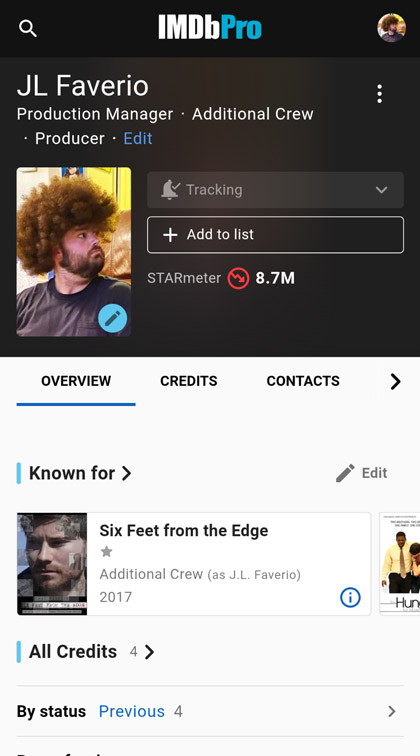
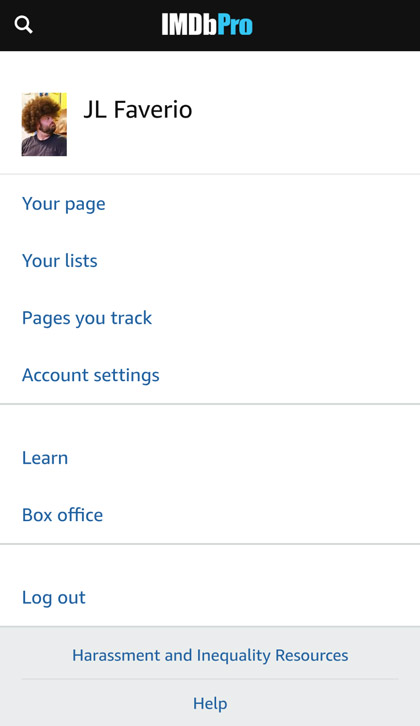
My permanent IMDb URL is https://www.imdb.com/name/nm3423878/ but it is not memorable or useful for branding. While checking my IMDbPro account, I discovered that members can create a custom vanity URL. To find it, first make sure you’re logged in, then click your profile icon and select Your page.
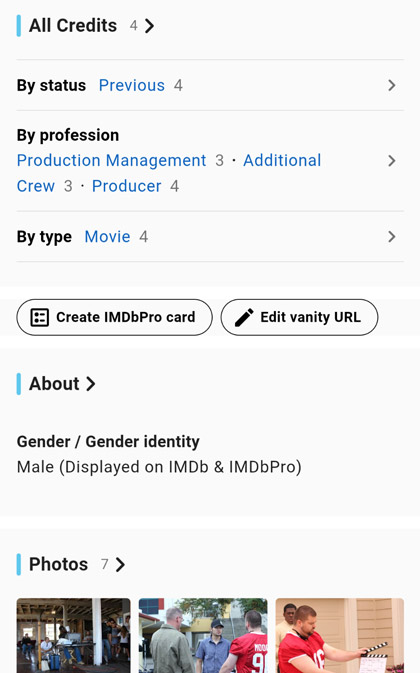
On the Overview tab, click the Edit vanity URL button beneath your credits and above your About section.
To keep my personal brand consistent, I entered jlfaverio, confirmed that it was available and saved it.
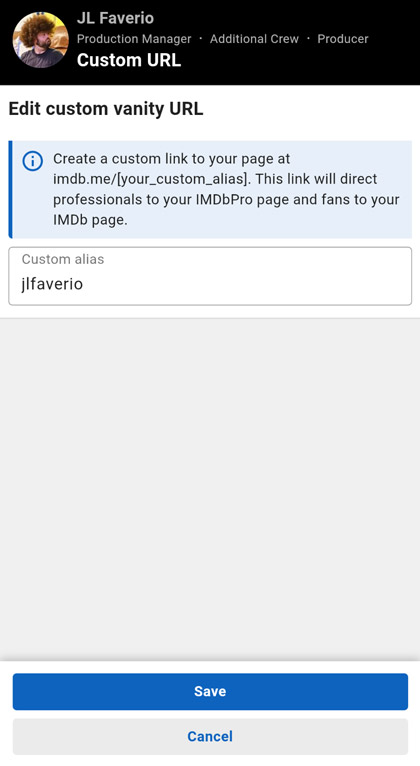
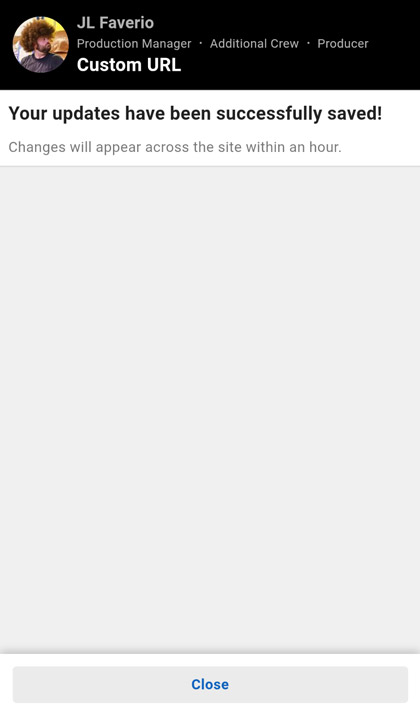
Success!! I got my new vanity IMDb link!
When I got my new link https://imdb.me/jlfaverio I had hoped it would replace the numbered URL in the browser. Butttttt it doesn’t. Bummer. The vanity URL just redirects visitors to my original IMDb profile.
I know this one change will not transform my search visibility, but that’s not the point. Every consultant out there needs to be checking every reasonable opportunity to make their name and/or personal brand more consistent and recognizable across the entire world wide web.
If you have an IMDbPro membership, you can follow the same process or read IMDb’s official vanity URL instructions here.
