
The Google Search Console performance report shows which searches lead people to your website. Use it to decide which pages deserve attention and whether the issue is visibility, click-through rate or a mismatch between the search and your content. What...
Category: Google Search Console
Practical Google Search Console guides covering search performance, indexing, sitemaps, Core Web Vitals, links and content planning for WordPress websites.
How to Use the URL Inspection Tool in Google Search Console
The URL Inspection tool helps you understand what Google knows about one page. Start here when a new WordPress post is missing from Search, an updated page still looks outdated, or Google appears to prefer a different URL. Check the...
Google Search Console Page Indexing Explained for WordPress
The Google Search Console page indexing report helps you identify patterns across URLs Google knows about. Its most useful question is whether the pages that matter to your business are eligible for Search and being indexed. Not indexed does not...
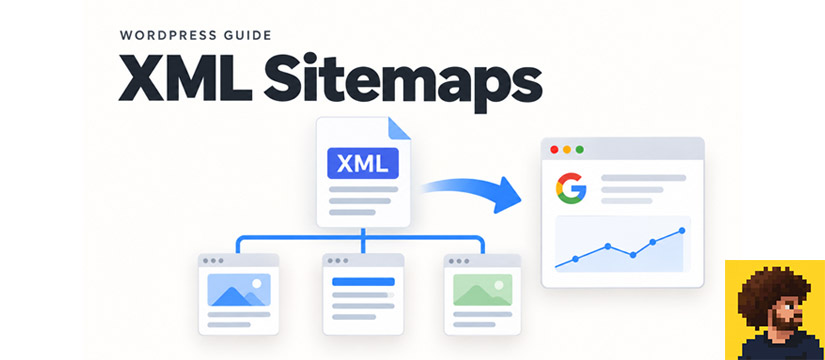
How to Submit a WordPress Sitemap to Google Search Console
To submit a sitemap to Google, first find the XML sitemap your WordPress site actually generates. Then submit its URL in Search Console and check whether Google can read it. Submission helps discovery; it does not promise that every listed...
Google Search Console Core Web Vitals for WordPress
Google Search Console Core Web Vitals reports help you identify loading, responsiveness and layout problems experienced by real visitors. Use the report to choose which page templates to investigate, then test changes before rolling them across your WordPress site. Understand...
How to Use the Google Search Console Links Report
The Google Search Console links report shows examples of external links to your site and internal links between your pages. Use it to spot useful relationships and investigate gaps in your site’s navigation. Treat it as a starting point for...
How to Use Google Search Console Removals Safely
Google Search Console removals can temporarily hide a URL from Google Search when you control the property. Use this tool for a specific removal need, and pair it with the appropriate change on your website. Temporary removal is not a...
How to Use Google Search Console Insights for Content Planning
Google Search Console Insights gives you a quick view of content performance and traffic changes. It is useful when you need to decide where to investigate next without starting with a large export. What the Insights report shows Open Insights...